Read a review
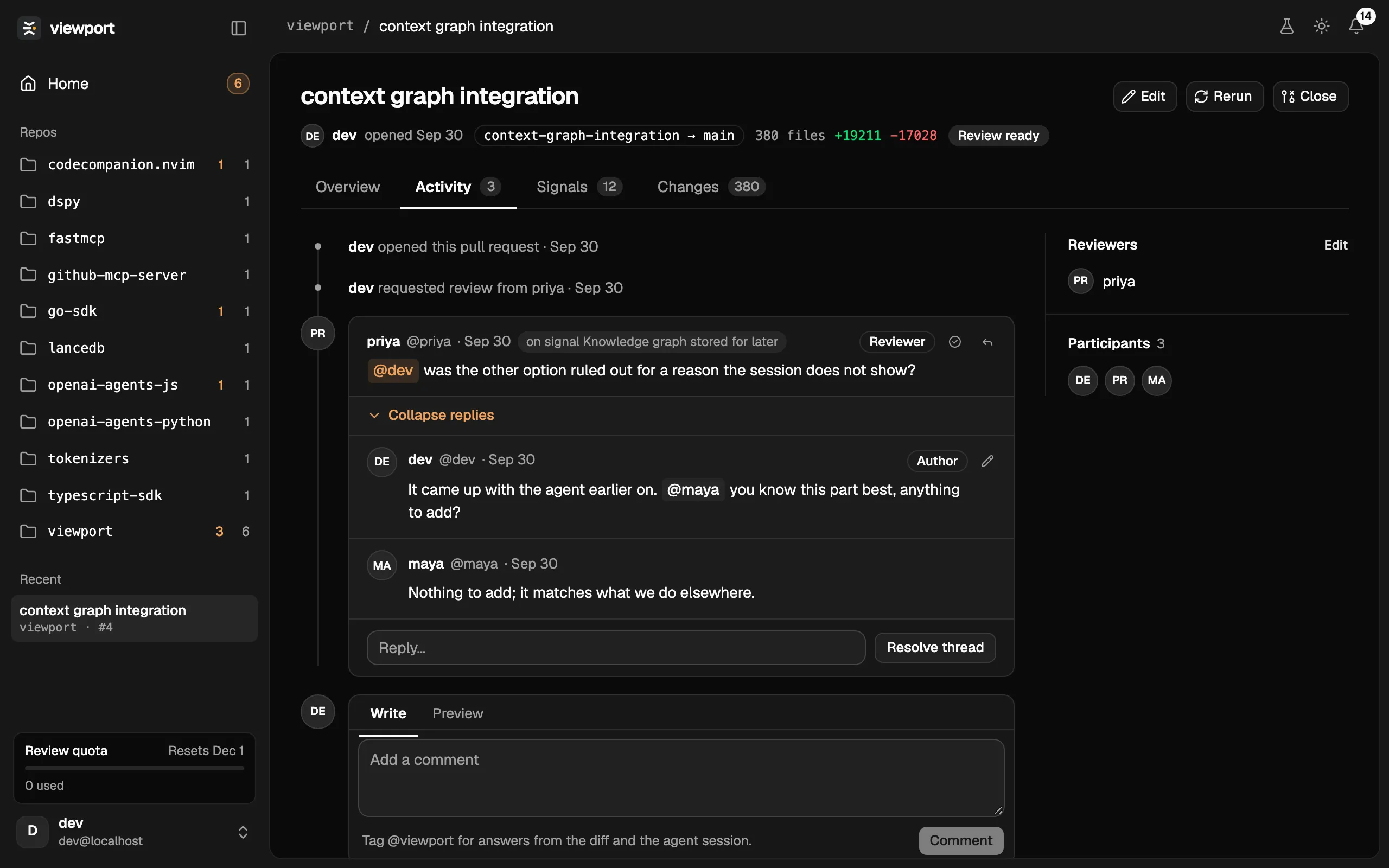
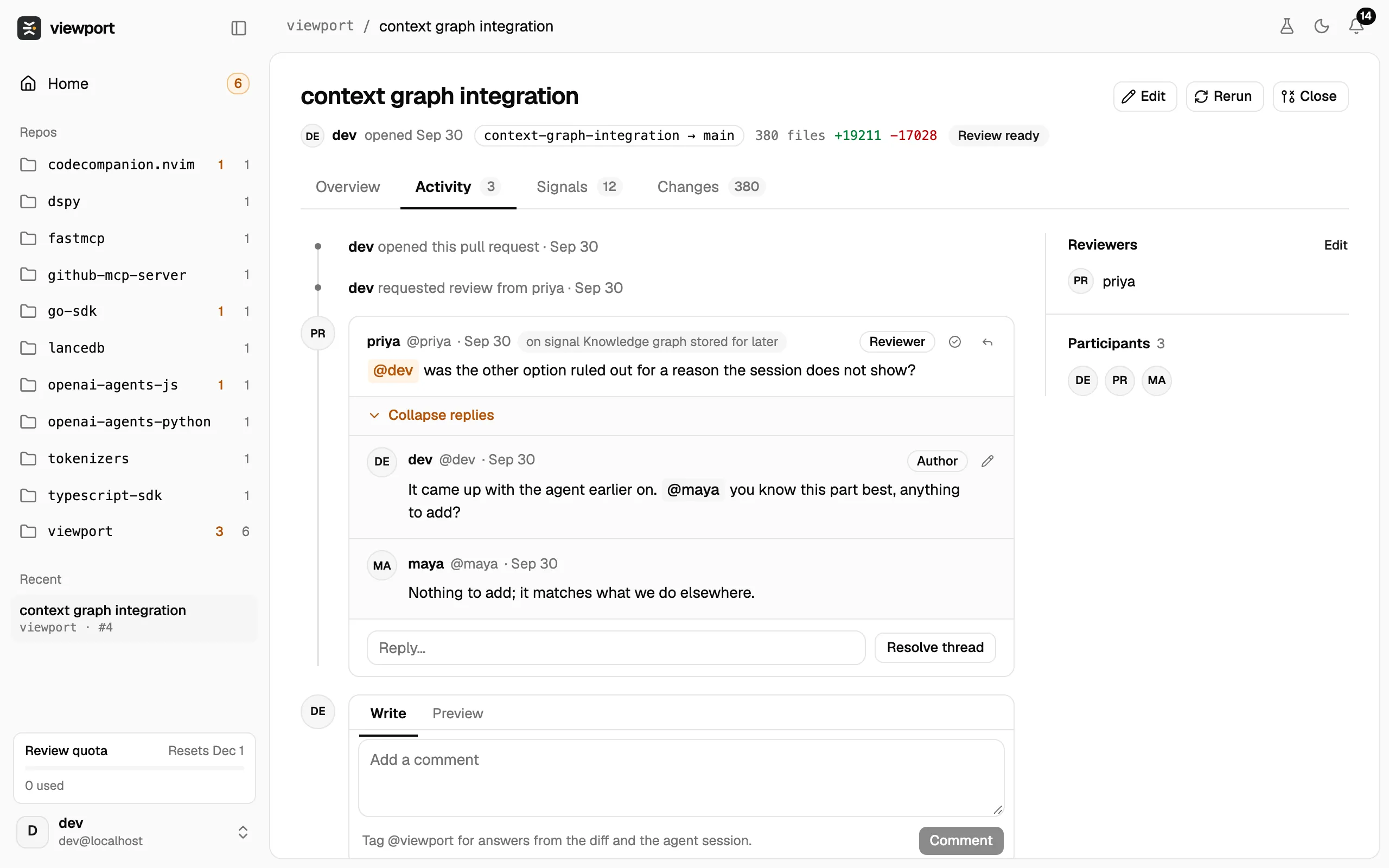
A review is one page per branch, with four tabs. This page walks through where reviews are listed and what each tab shows.
Home is where you land after signing in. It lists your organization’s open reviews in three groups:
- Needs your eyes: finished reviews with at least one Strong signal. Each card shows the repo, the title and the strongest signal, with how many more signals the review has and the size of the diff.
- Runs: reviews still in progress, or whose run failed.
- No strong signals: finished reviews whose signals are all Moderate or Weak, as a table with each one’s strongest signal.
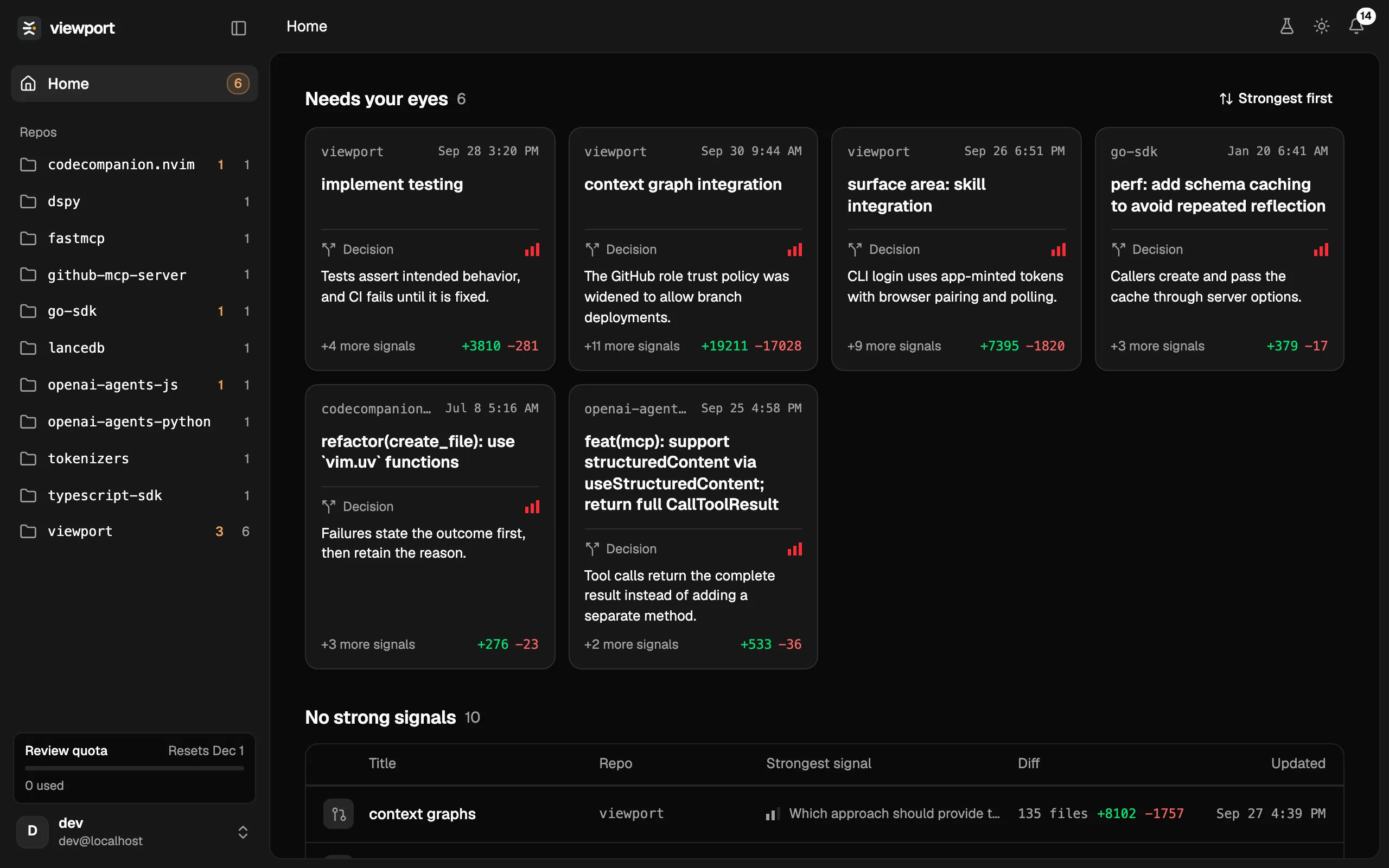
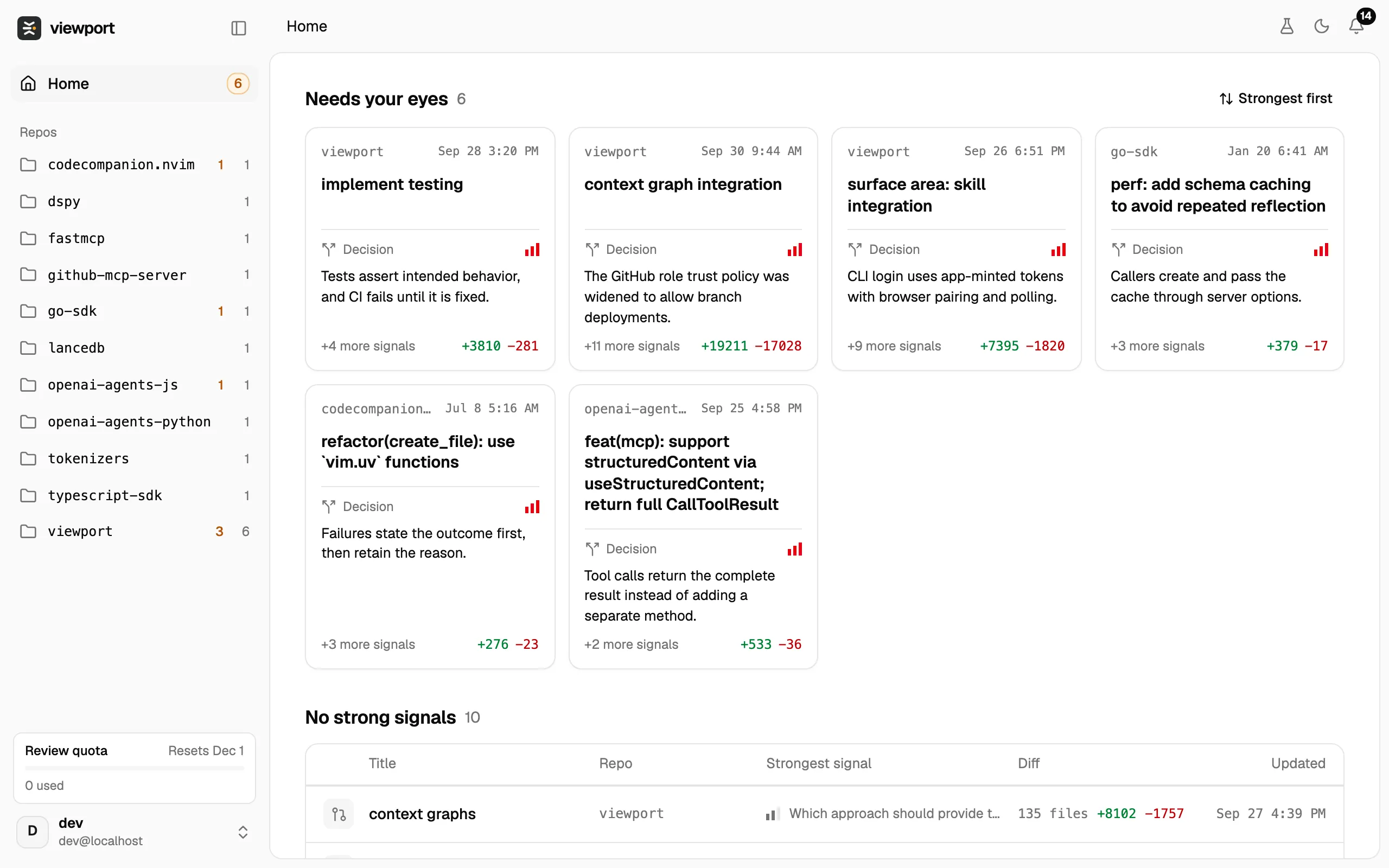
The sidebar lists Home, your organization’s repos (the orange number counts the reviews that need your eyes, the grey one all open reviews), the reviews you looked at recently, the Review quota card and your name, which opens the account menu.
A repo
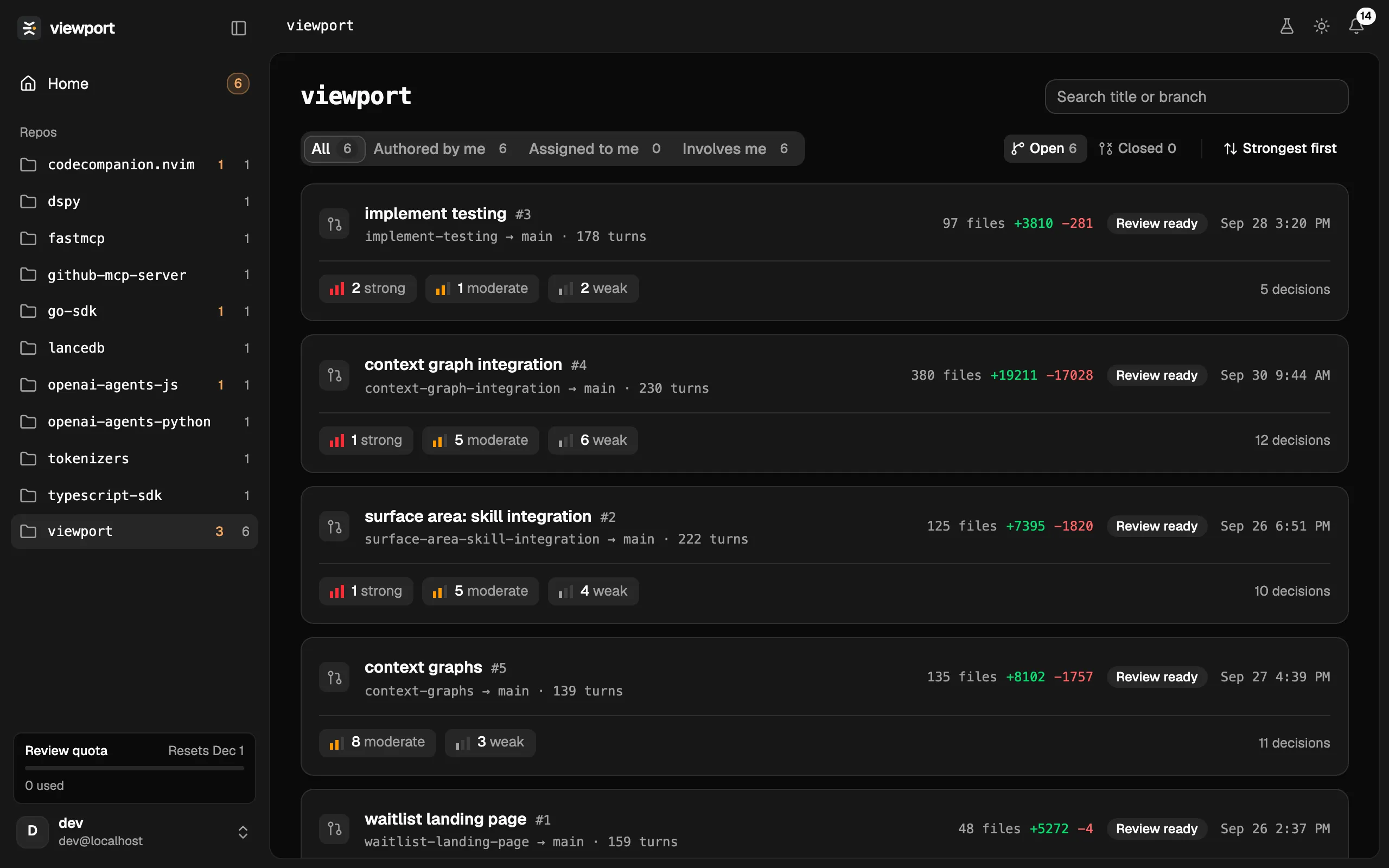
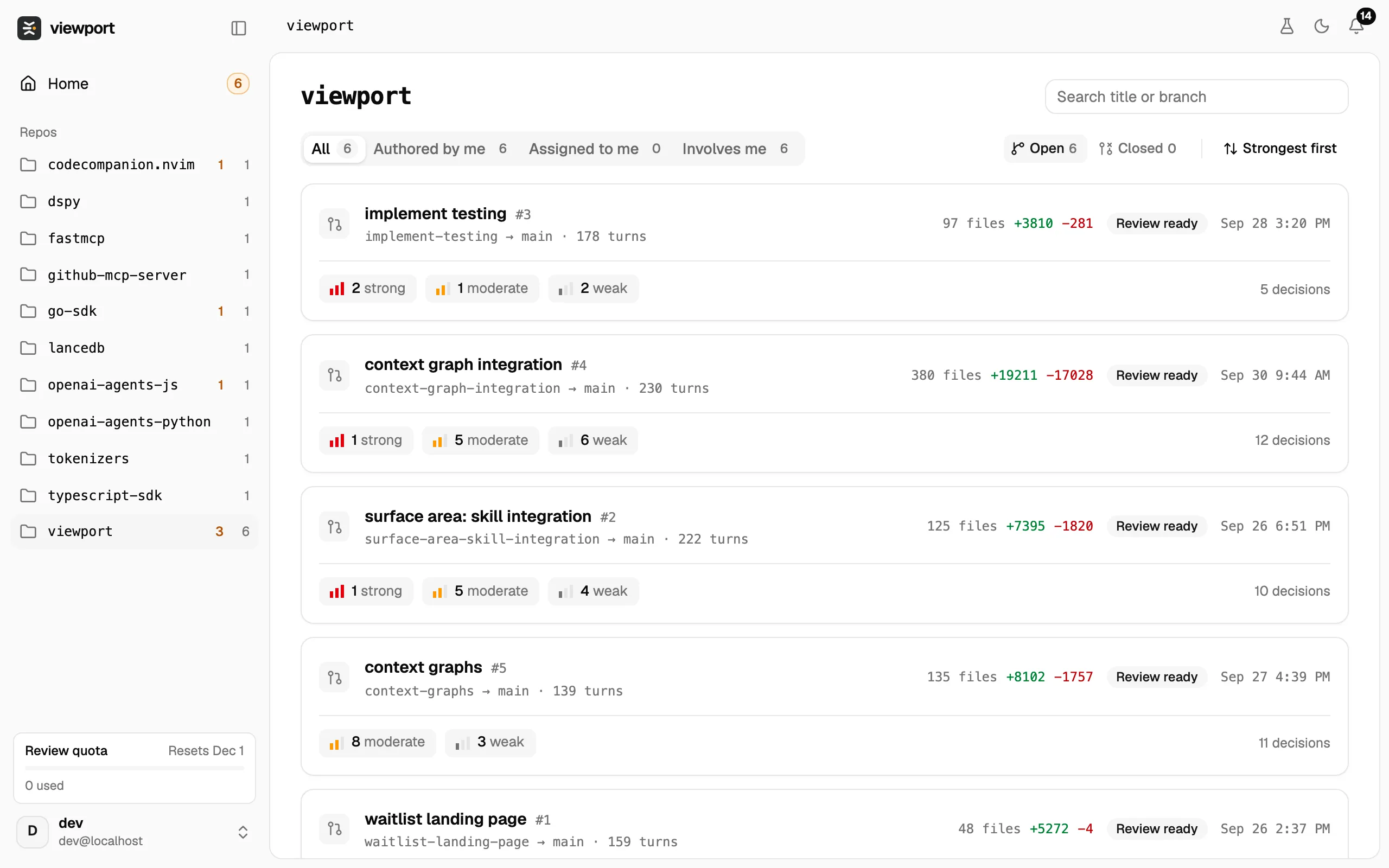
Section titled “A repo”Click a repo in the sidebar to see its reviews. The tabs All, Authored by me, Assigned to me and Involves me filter the list, Open and Closed switch between open and closed reviews, and the search box matches titles and branches. Each row shows the branches, the number of conversation turns, the diff size, the status and a count of signals by strength.
The review page
Section titled “The review page”The header holds the review’s title and three buttons:
- Edit lets you change the title and the description.
- Rerun runs the pipeline again on the latest version. See Run a review.
- Close closes the review; Reopen opens it again.
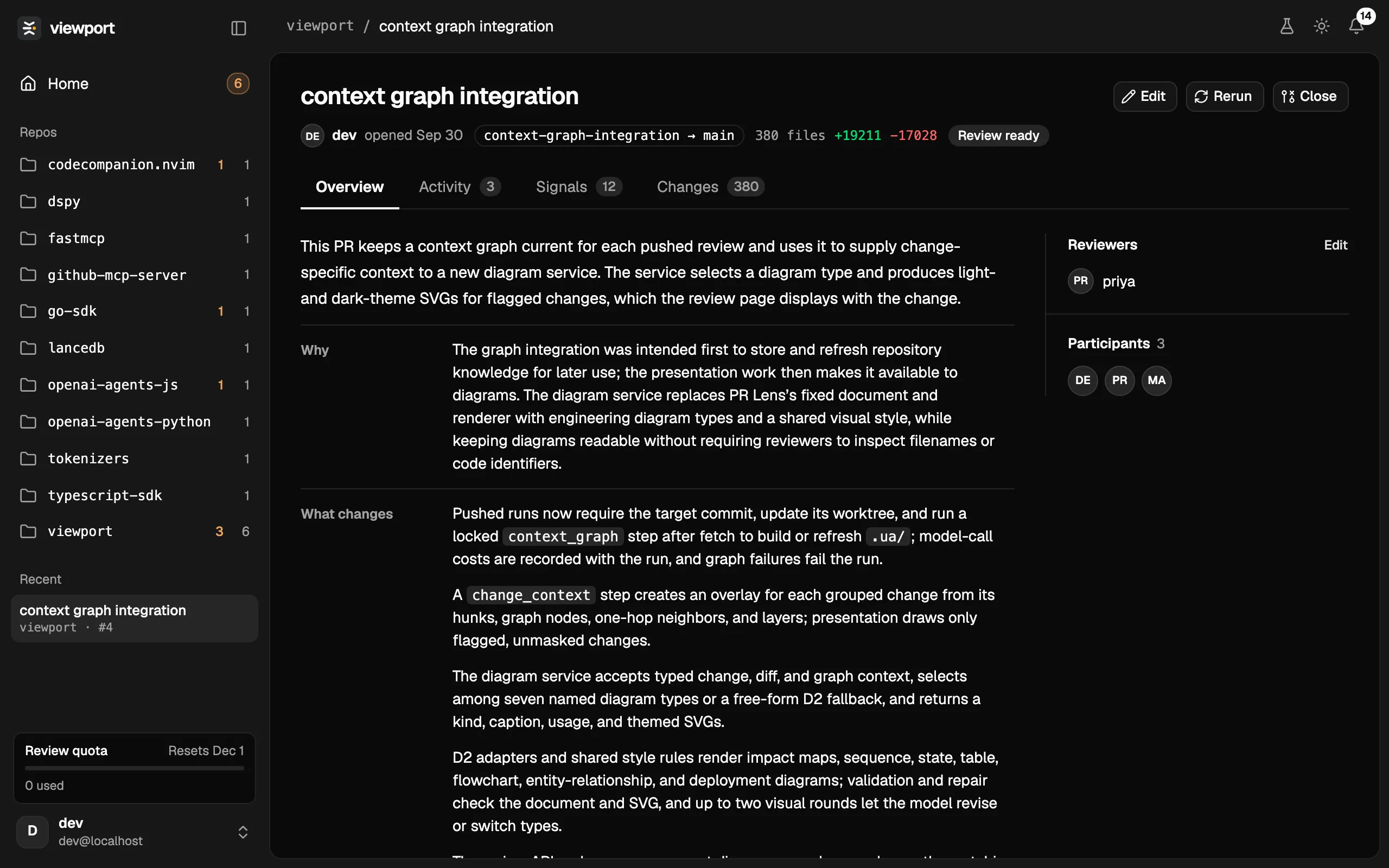
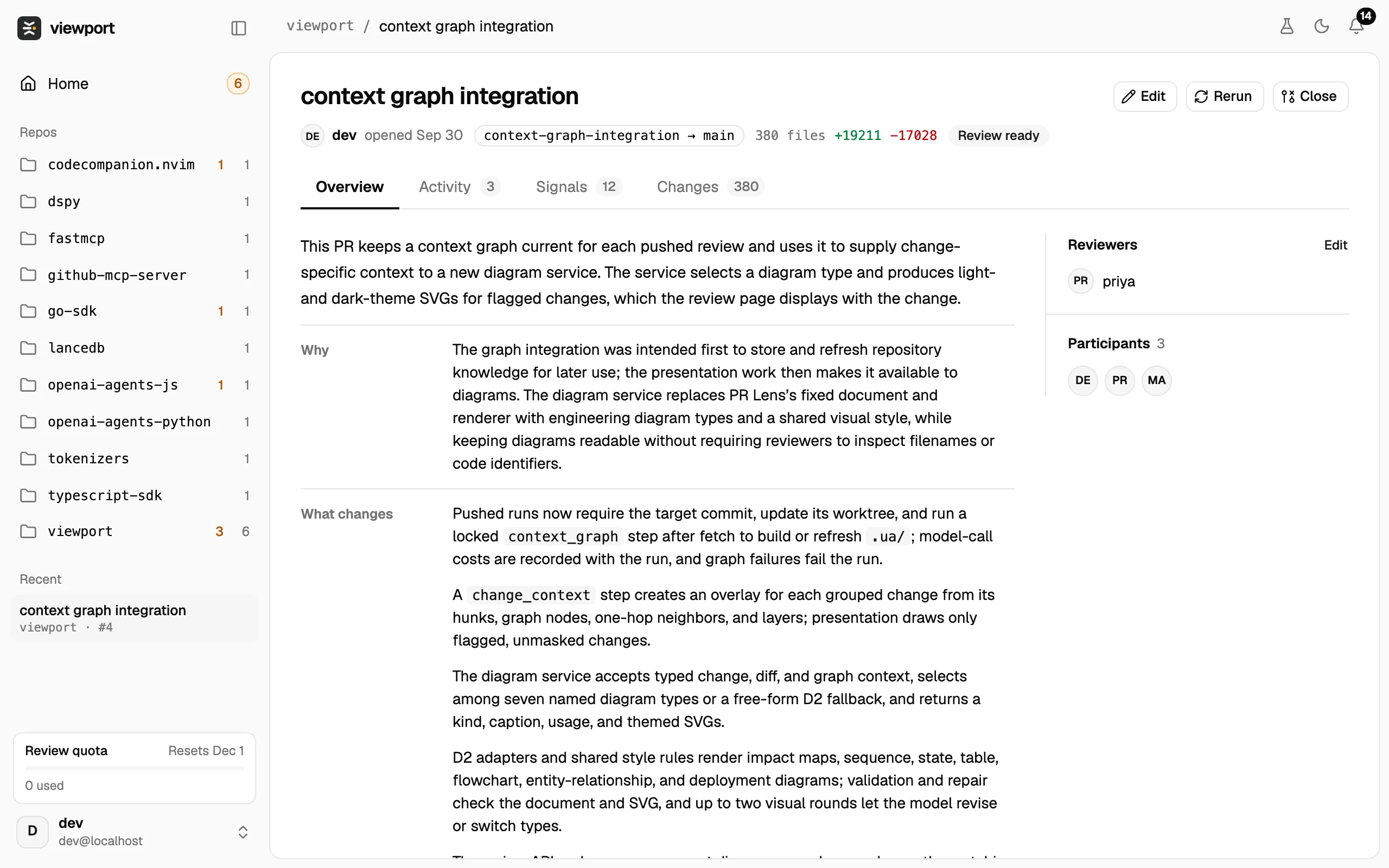
Under the title are the author, when the review was opened, the branches (source → target), the number of files, the lines added and removed, and a status: In progress, Review ready, Review failed or Review closed.
Overview
Section titled “Overview”The Overview is a description of the change written by Viewport from the diff and the conversation: a short lead, then a table with Why, What changes and Not in this PR.
Anyone in your organization can change the description with Edit. Reset to the model’s description brings back the original.
Beside it, Reviewers lists who is asked to review; click Edit there to pick people from your organization. Participants lists everyone who took part.
Signals
Section titled “Signals”Signals are the points in the change that most deserve a reviewer’s attention, listed strongest first. Each card on the left shows a title, one line on what was decided, the strength, and the files and lines it touches.
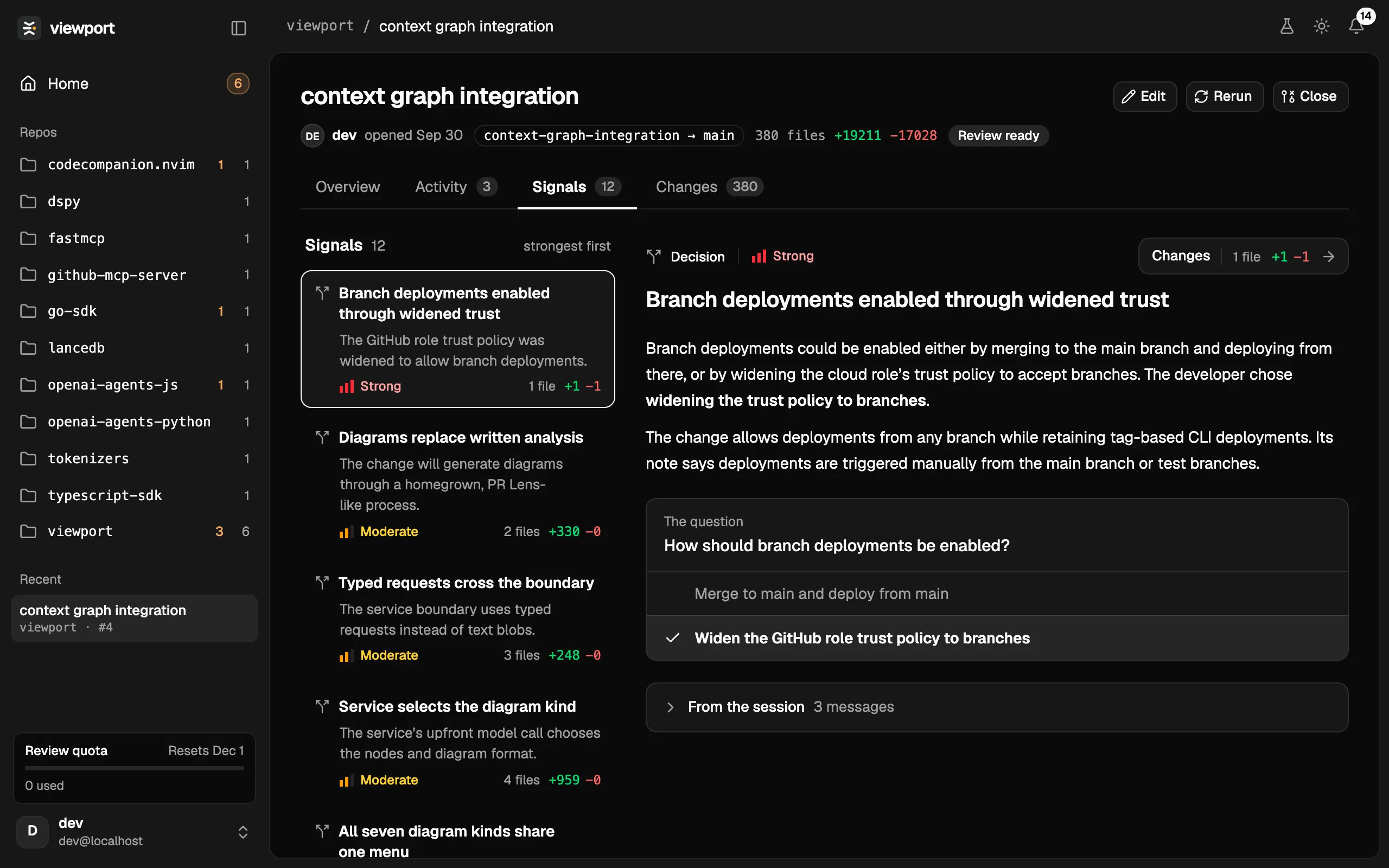
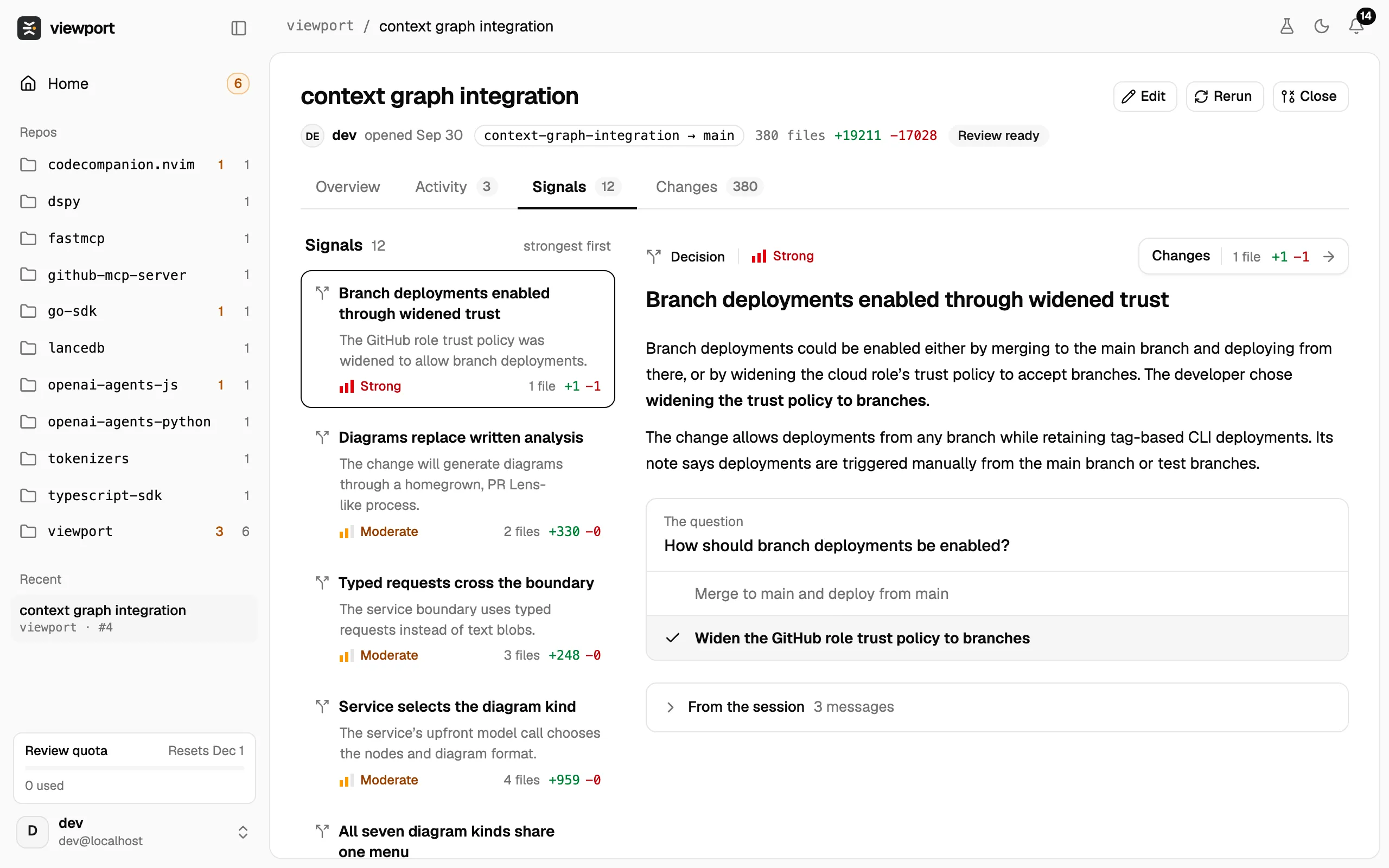
Select a signal to read it on the right:
- A write-up of what was decided and what it means for the code.
- The question the decision answered, with the options that were considered and a tick on the one taken.
- A Changes button that opens the diff showing only this signal’s lines.
- From the session, folded by default: the turns of the agent conversation the signal comes from. Open it to see what you and the agent said.
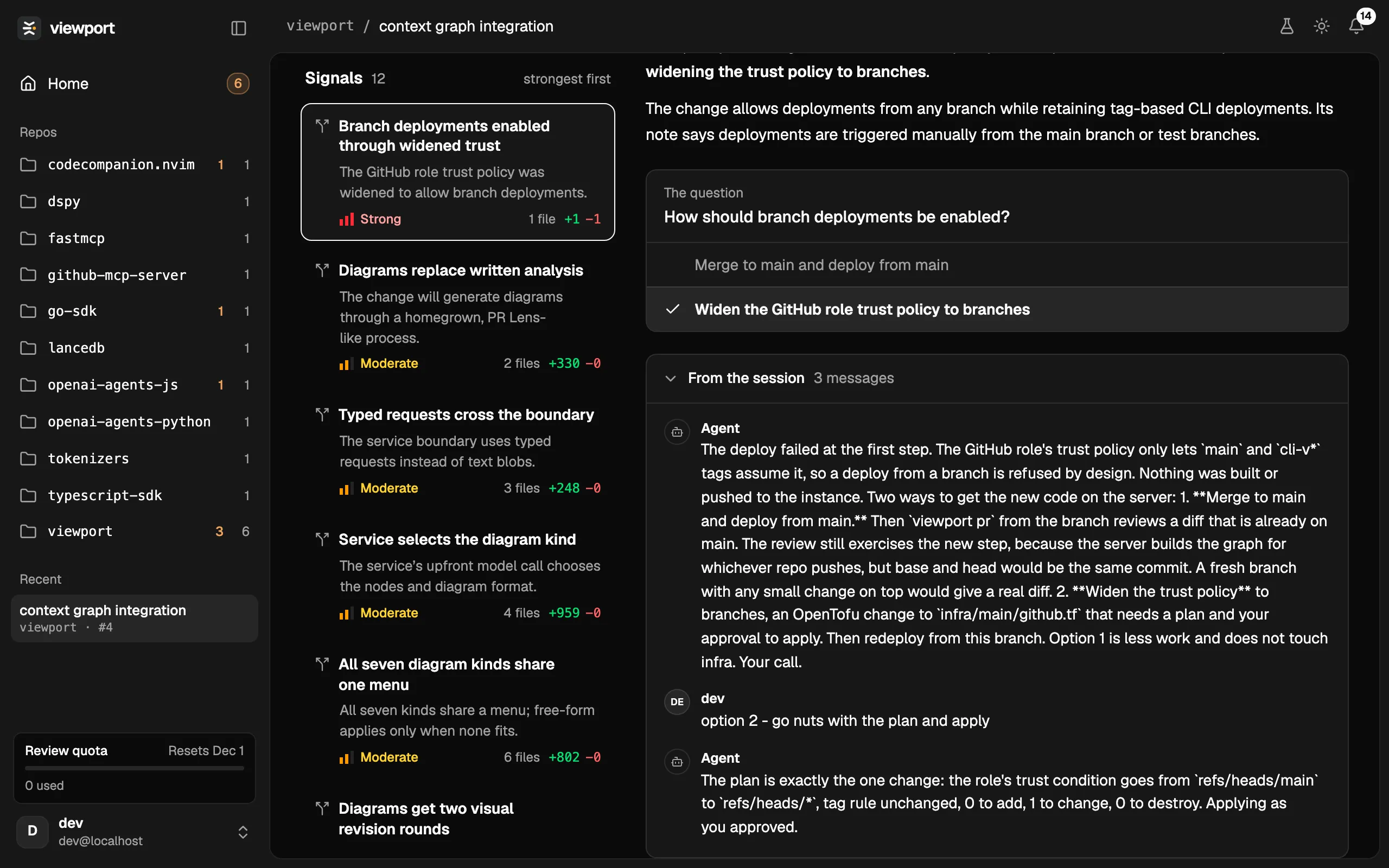
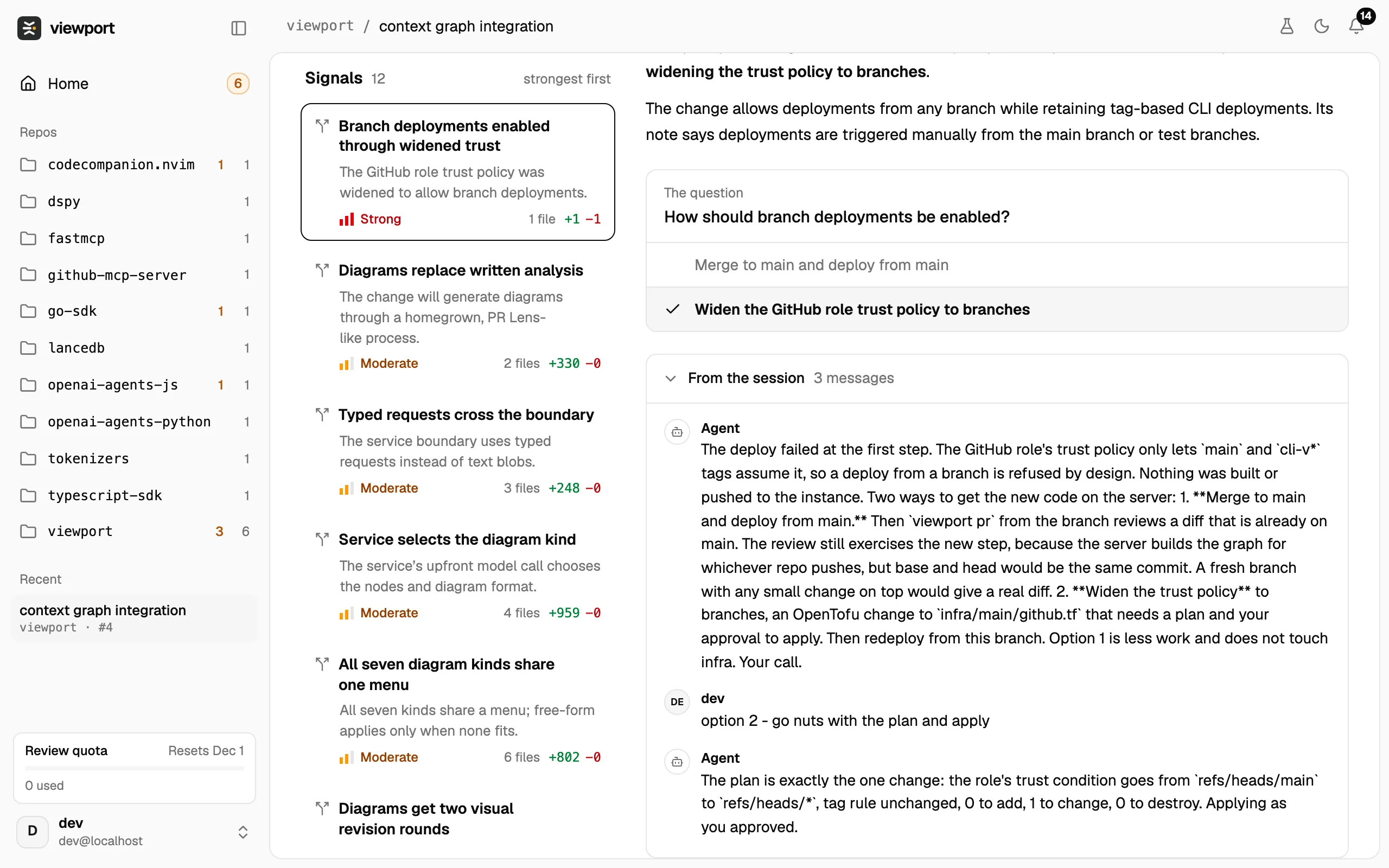
Strength
Section titled “Strength”Each signal is Strong, Moderate or Weak: how much the change deserves a reviewer’s attention. Strong signals are the ones Home puts under Needs your eyes. Strength is about where to look first; it says nothing about whether the code is right.
Changes
Section titled “Changes”The whole diff, as git produces it. Designed to be a familiar code review experience.
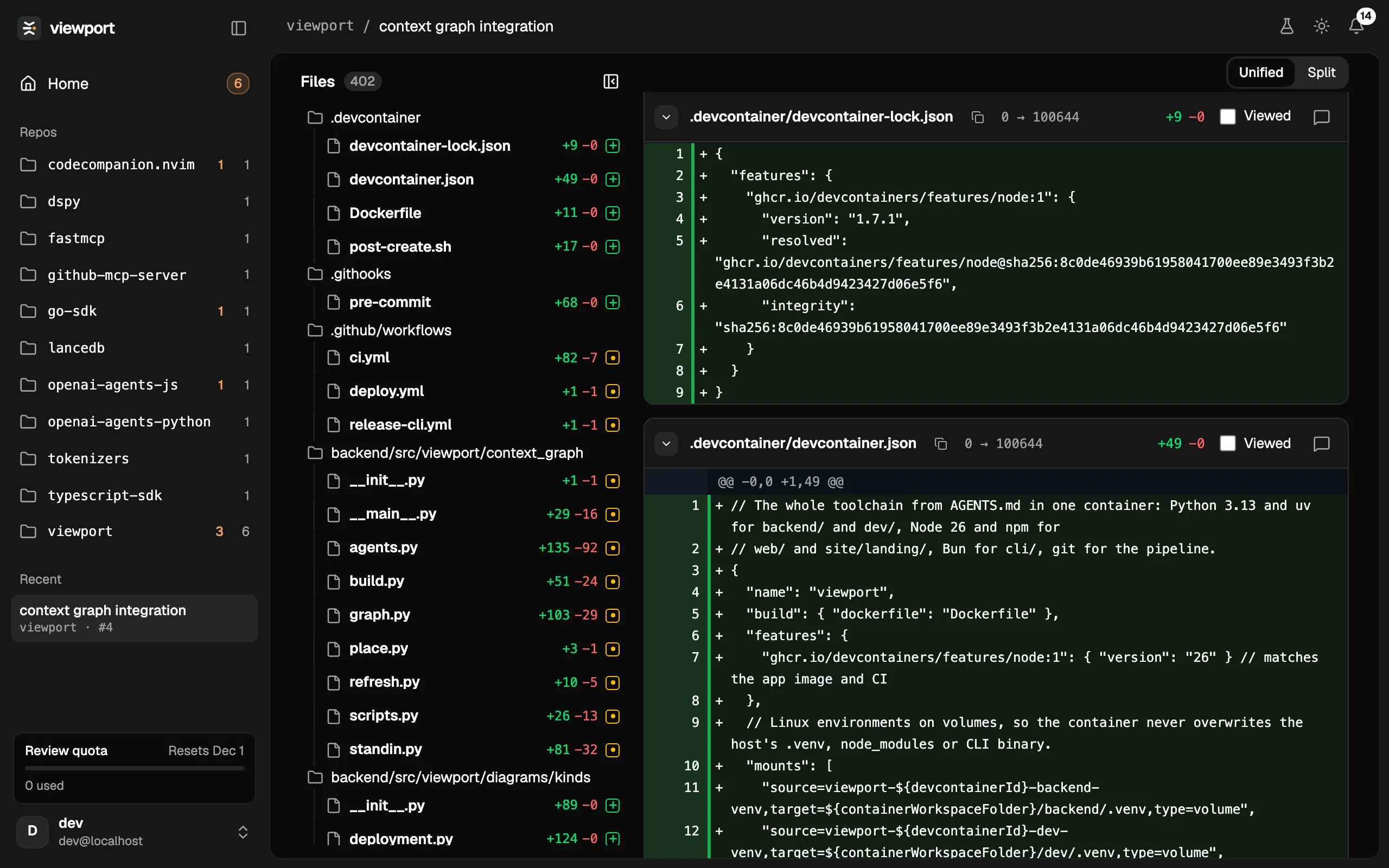
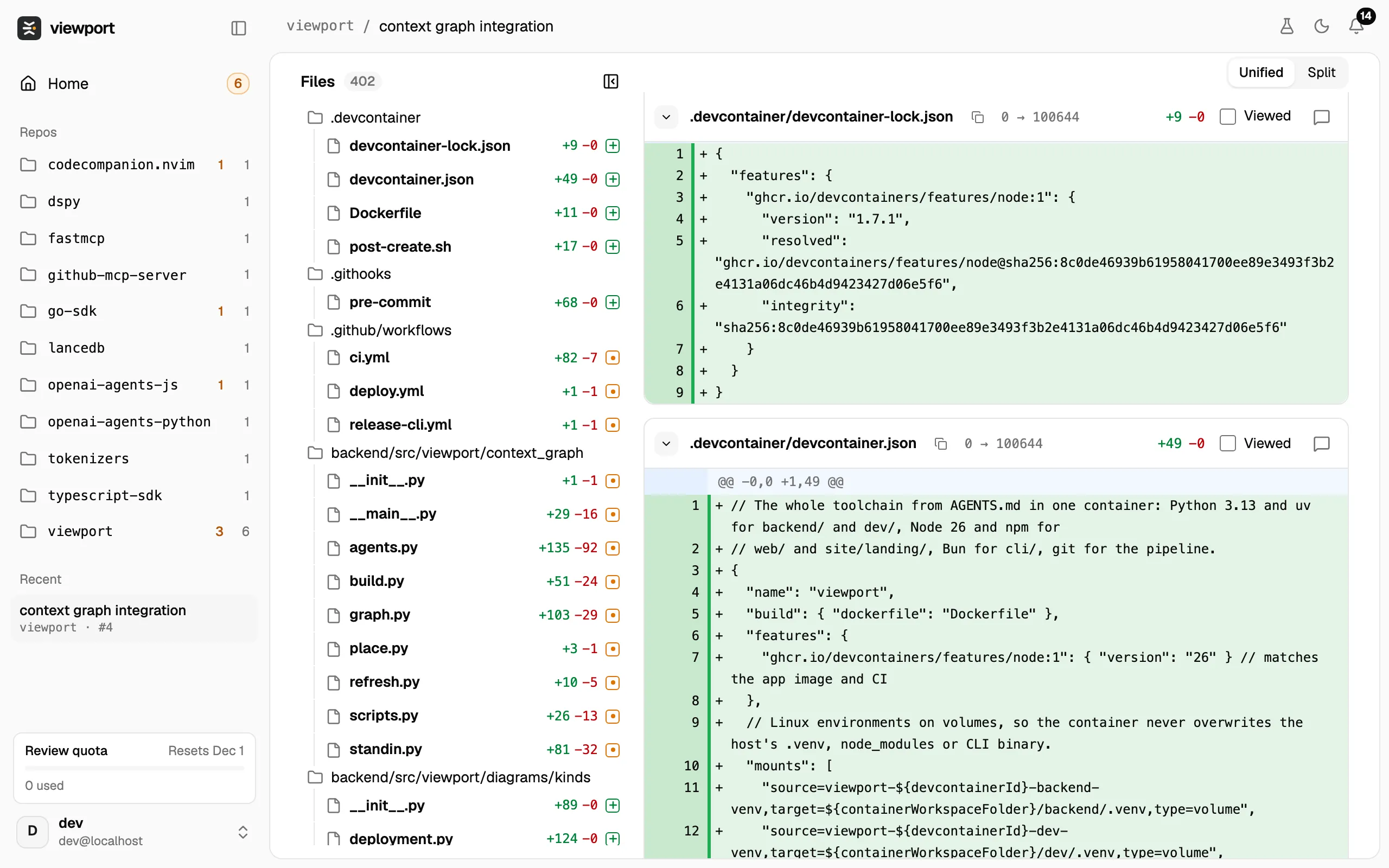
When you arrive from a signal’s Changes button, the tab shows only that signal’s lines. Switch between This signal and All changes at the top.
Activity
Section titled “Activity”The review’s history, oldest first: when it was opened, each push with its version, reviewers requested, closes and reopens, reruns and their results, and every comment thread. At the bottom is a box for a comment on the whole review.