Your team
Everyone on your team works in one Viewport organization. This page covers who sees what, how people join, and how many reviews you can run.
Organizations
Section titled “Organizations”Each team has one organization. Everyone in it sees all of its repos, reviews and comments, and anyone can comment, edit a description, add reviewers, rerun or close a review. There are no roles or per-repo permissions. Nothing is shared between organizations.
A repo appears in your organization the first time someone in it runs viewport pr in that repo.
Adding people
Section titled “Adding people”People join by invitation. To add someone to your organization, send us their email address through Contact. They get an email, “You’ve been added to Viewport”, with a Set your password button; the link lasts 7 days. From there they can follow the Quickstart.
Review quota
Section titled “Review quota”The Review quota card at the bottom of the sidebar shows how many reviews your organization has used this month and roughly how many are left. Click it for the details. The quota resets on the date the card shows.
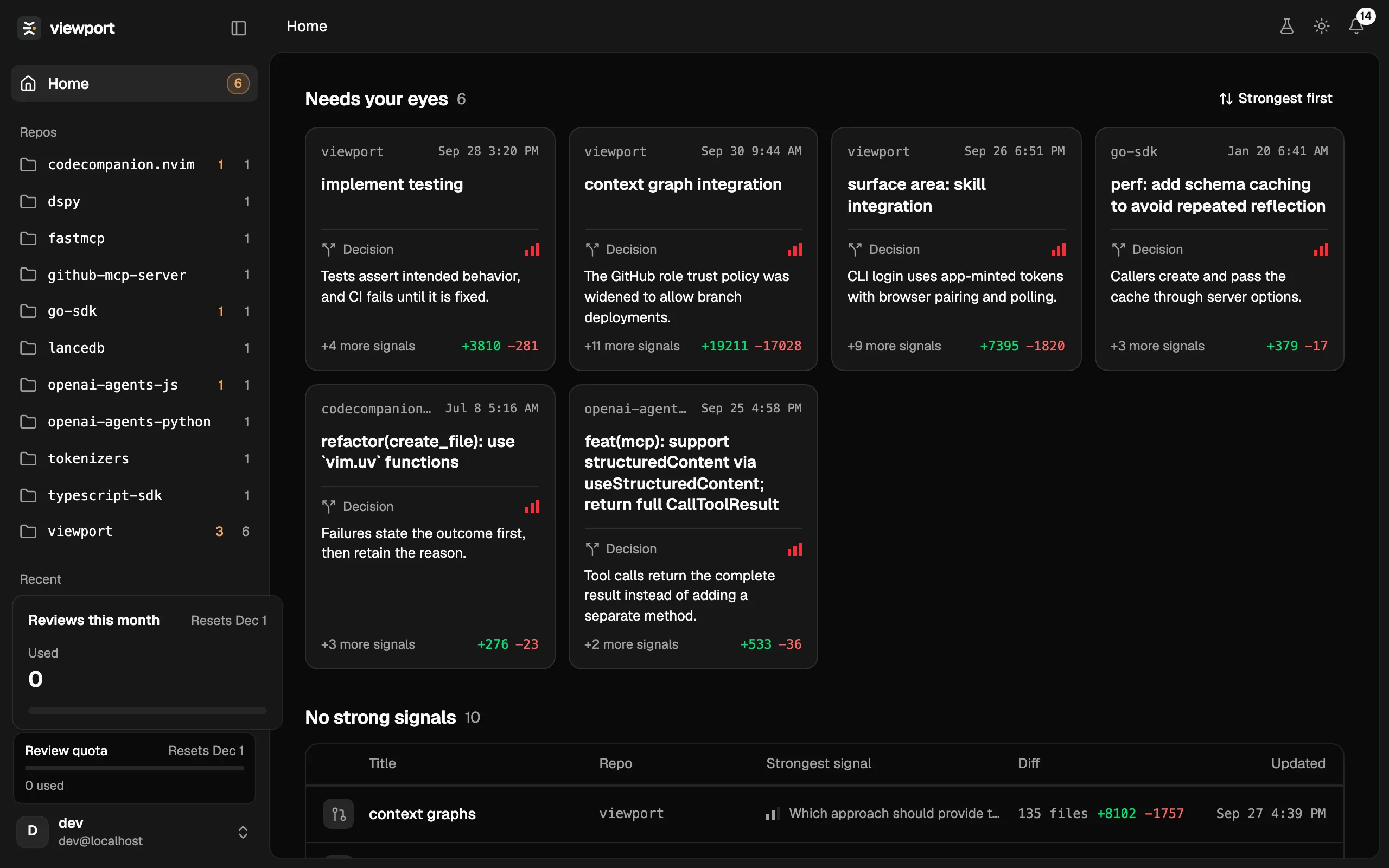
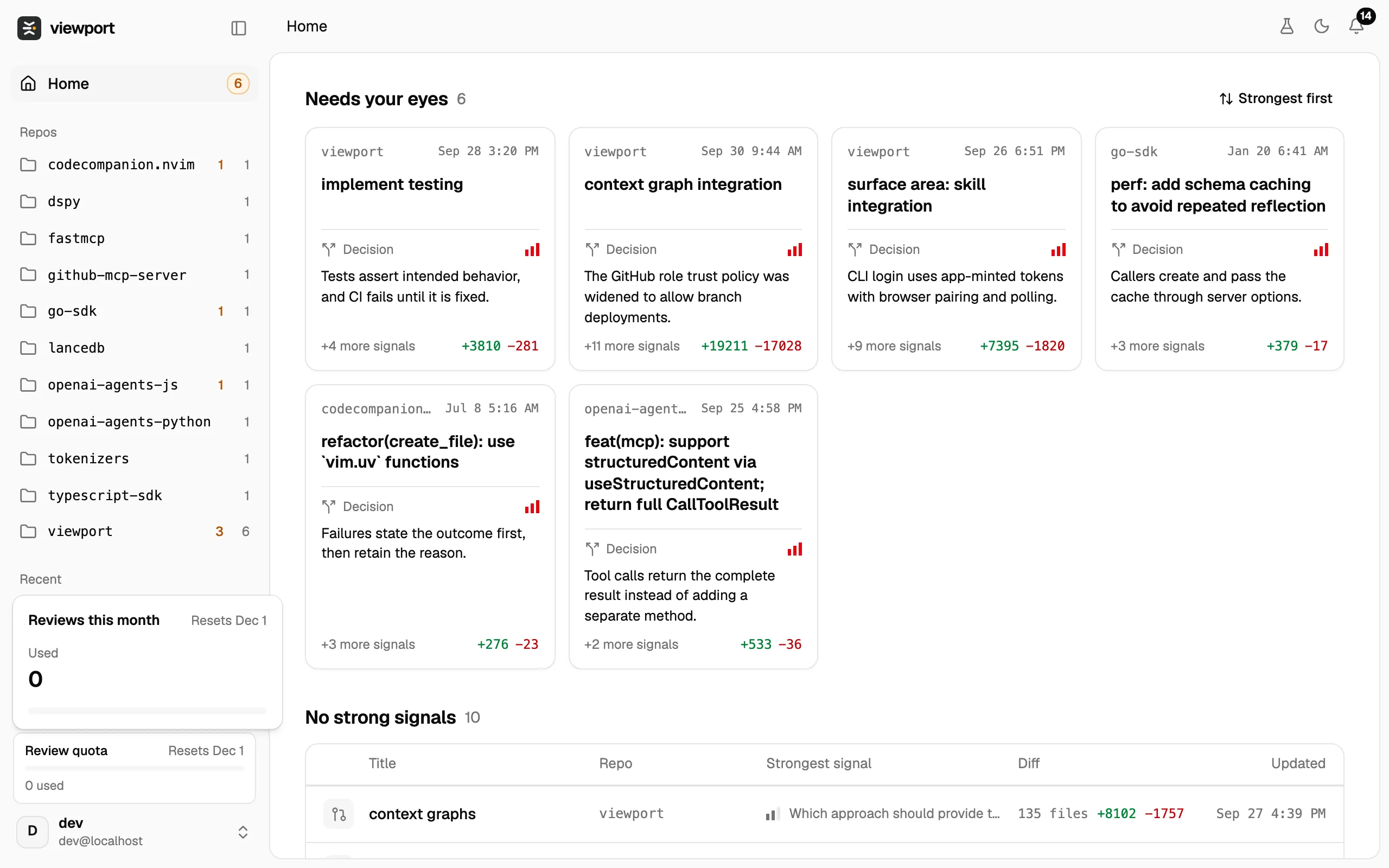
The number left is an estimate based on the average size of your team’s reviews this month, so a month of large changes leaves fewer reviews than a month of small ones. Each first viewport pr on a branch and each Rerun counts as a review. Pushing a new version of a branch that already has a review does not.
The card turns amber when reviews are running low and red when none are left.
Trial organizations
Section titled “Trial organizations”If you requested access on tryviewport.ai, you have a trial organization of your own. It comes with 3 free reviews. The count is exact and does not reset. A run that fails gives its review back.
To get more, click Request full access in the top bar. It opens a short form; sending it raises your limit to 20 reviews and lets the Viewport team know you want to join. The button then reads Access requested. While you are out of reviews and have not sent it yet, the form also opens by itself when you load the app.
When reviews run out
Section titled “When reviews run out”viewport pr still pushes your branch and prints the review’s link, so the commits and the conversation are kept. The pipeline does not run: the review shows Quota exhausted where its progress would be, and Rerun is hidden on it until the quota allows another review. Once it does, open the review and click Rerun.
Large changes
Section titled “Large changes”The diff in Changes is always the whole diff. What Viewport reads to write the signals and the description has two limits:
- It reads up to 3000 changed lines of any one file. The rest of that file’s changes are left out of the analysis.
- It skips generated and vendored files: lockfiles, build output, minified files, and anything marked as generated in your repository’s
.gitattributes.